


01
Connect Adjust account
Log in to Adjust and go to Campaign Lab > Partners to add SplitMetrics Acquire. Paste your SplitMetrics Client ID to create a secure, read-only connection. No developer support. No SDK changes.

 4.9
4.9
Connect Adjust to SplitMetrics to see which keywords drive purchases, subscriptions, and other high-value events. Optimize spend for revenue instead of guesswork, and scale with a clearer view of what drives growth.
Connect Adjust to SplitMetrics and sync post-install events within an hour.
Skip the manual reporting and see the full user journey. Find out which keywords drive revenue, then scale your Apple Ads based on real ROAS, not just CPI.
How it works
Why Adjust integration
As a mobile measurement partner (MMP), Adjust connects the dots across mobile apps, mobile web, desktop, CTV, and PC/console, giving you independent measurement without self-attribution bias from ad networks.
Track impressions, clicks, installs, session lengths, DAU/MAU, custom in-app events, real-time ROAS, LTV, subscription renewals, ad revenue, and SKAN/ATT privacy signals in one place.
Query your data in plain English with Adjust's AI Growth Copilot, run incrementality tests to measure true ad lift, and access unlimited raw data for custom BI models.
Adjust serves apps across Gaming, E-commerce, Fintech, iGaming, Entertainment, Social, and Utilities, wherever performance marketing moves fast and accurate measurement matters.
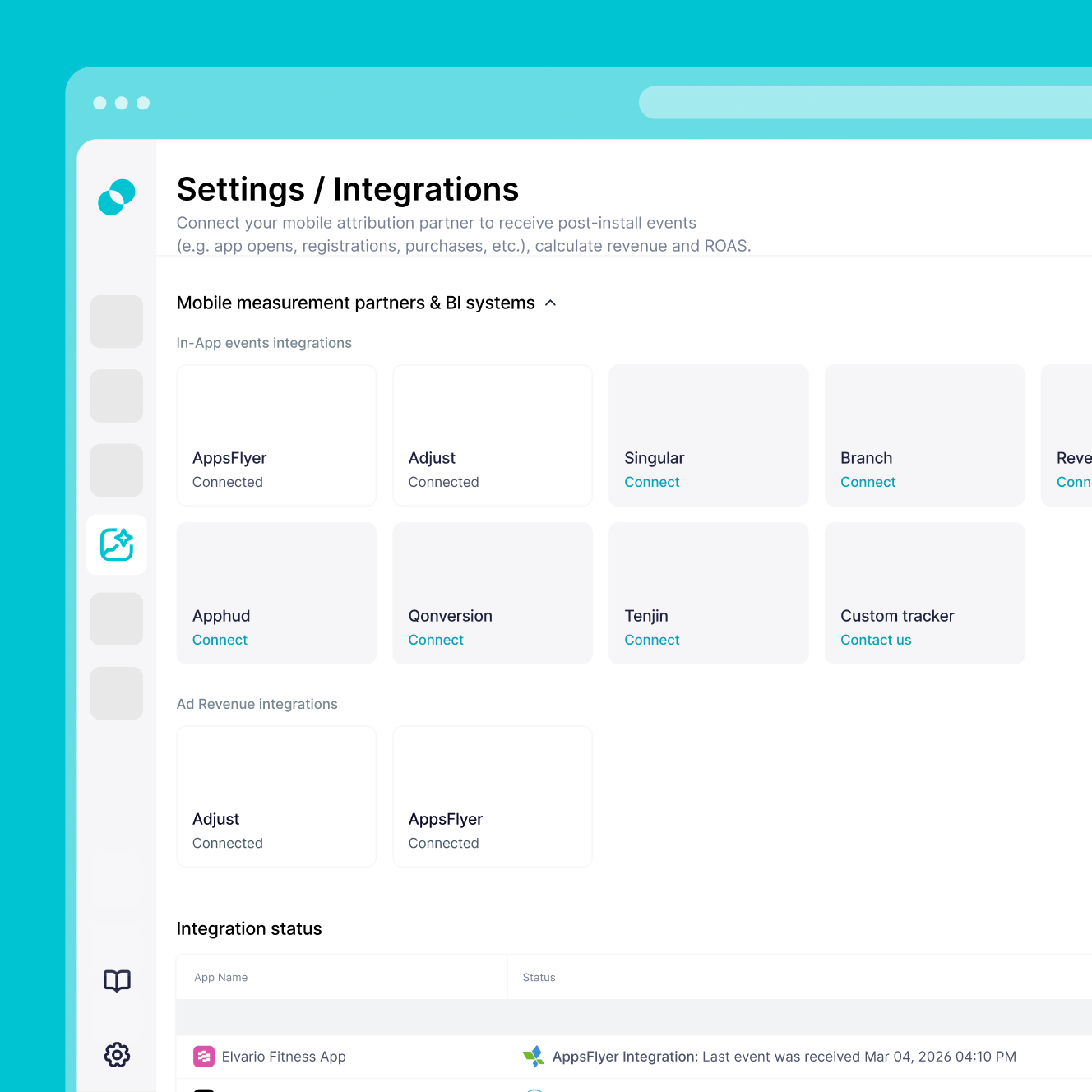
Getting started
Here’s what you need to get the integration live quickly, safely, and without developer support.
Active Apple Ads Account with at least one active or paused campaign.
SplitMetrics Client ID from the Acquire dashboard, added to Adjust Campaign Lab.
Adjust account permissions for Campaign Lab > Partners to activate the SplitMetrics integration.
Defined post-install events ready for mapping (trials, purchases, deposits) so they can be tracked at the keyword level.
In-app revenue mapping for any revenue-generating events you want to track in Adjust.
Read-only access is all SplitMetrics needs, so your existing tracking setup, SDKs, and attribution logic stay untouched.