G2 rating 4.9

RevenueCat and SplitMetrics integration

Connect RevenueCat to SplitMetrics and tie Apple Ads spend to actual subscription growth. RevenueCat sends enriched purchase events, so you can automate keyword bidding based on gross revenue or net proceeds and scale the search terms that bring in high-LTV subscribers.

RevenueCat and SplitMetrics integration

Connect RevenueCat to SplitMetrics and sync enriched purchase events automatically.

See which keywords drive subscription revenue and scale spend based on precise gross revenue or net proceeds. The server-to-server connection removes reporting gaps and reduces double-counting.

How it works

A server-to-server path to smarter subscription growth

01

Connect RevenueCat to SplitMetrics

Log in to RevenueCat, open your project, and go to Integrations in the left-hand menu. Click + New, select SplitMetrics Acquire, and enter your Client ID. The connection is secure, server-to-server, and no-code

02

Set your revenue reporting preferences

Use the default event names or enter your own, then choose whether RevenueCat reports gross revenue or proceeds after the App Store cut. The mobile measurement partner data flows into SplitMetrics so ROAS matches how your business measures performance.

03

Start optimizing for subscription value

Enriched purchase events start flowing into SplitMetrics once the integration is saved. Optionally share up to 12 months of historical data with our team so AI Bid Optimization can scale Apple Ads based on subscription value from day one.

Why RevenueCat integration

You'll have immediate access to:

Subscription revenue in one place

RevenueCat is a subscription-focused mobile measurement partner (MMP) that unifies subscription management, customer data, and purchase infrastructure across iOS, Android, and web.

The metrics that explain subscription performance

Track revenue, active subscribers, churn, cohort performance, trial trends, cancellation reasons, refund outcomes, and 12-month LTV in one view.

Faster experimentation, no engineering required

Configure paywalls remotely, test pricing and offers, and improve conversion, retention, and CAC without releasing a new app version for every change.

Built for mobile-first, subscription-led businesses

RevenueCat serves Health & Fitness, Productivity, AI, Education, Photography, Social, Music, and Gaming apps where subscription growth is the core business model.
What you need to connect RevenueCat

Getting started

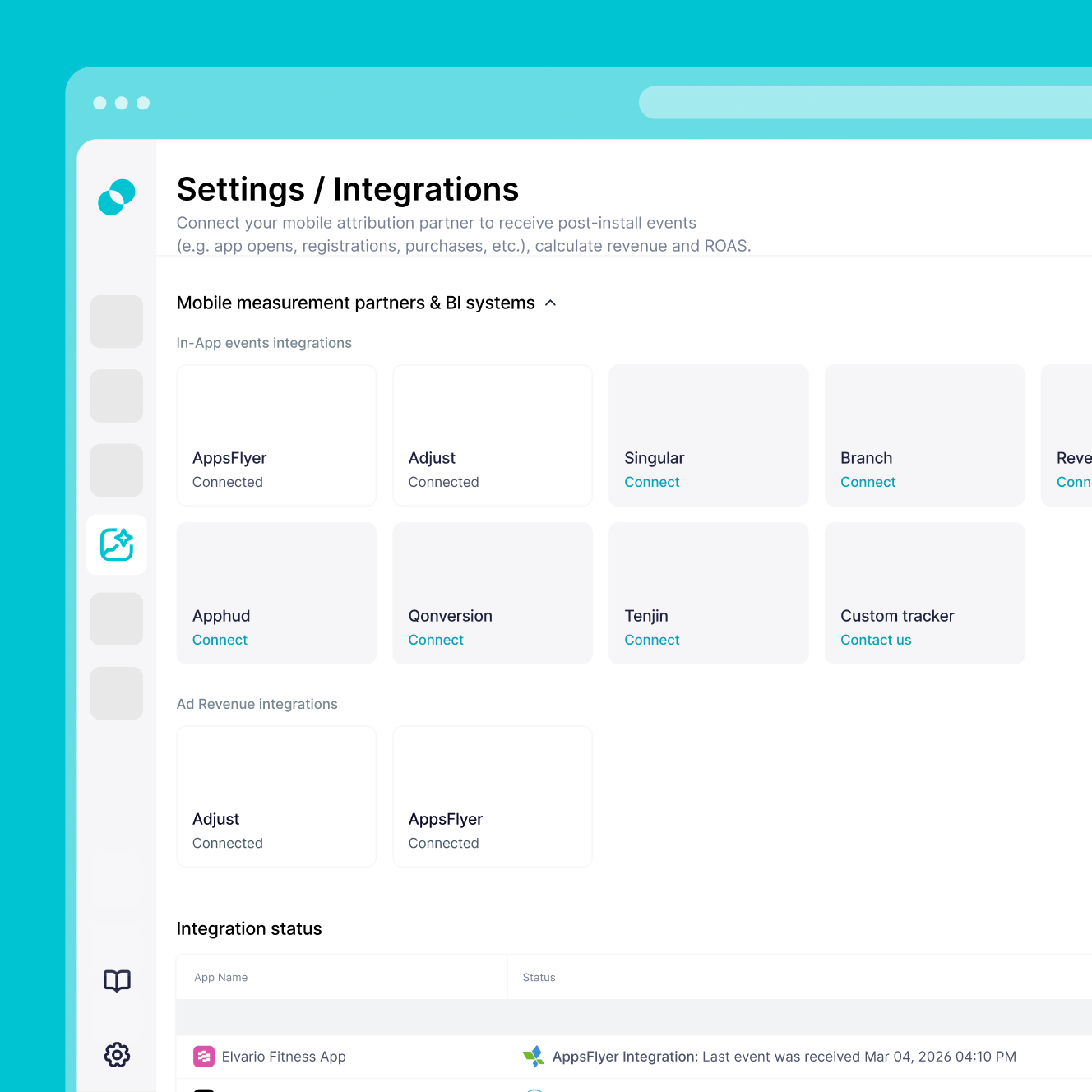
What you need to connect RevenueCat

Set up a secure server-to-server connection between RevenueCat and SplitMetrics with the requirements below. The setup is marketer-led and requires no developer work once your RevenueCat project is live.

Active Apple Ads account with at least one active or paused campaign, so performance can be mapped back to your search terms.

Active RevenueCat project with the SDK successfully implemented and your app connected.

SplitMetrics Client ID from your Acquire dashboard, used to activate the integration in RevenueCat.

Defined reporting preference – choose whether to track gross revenue or net proceeds after the App Store’s 15-30% cut, so ROAS calculations match how your business measures performance.

Clean data connection – remove any existing client-side revenue tracking for the events RevenueCat will now handle, to avoid double-counting subscriptions.

Frequently
asked questions

Do I need RevenueCat to use SplitMetrics Acquire?
No, you don't. You can use SplitMetrics Acquire with native Apple Ads data alone. But for subscription apps, connecting a mobile measurement partner (MMP) like RevenueCat is strongly recommended for precise revenue tracking and keyword-level ROAS visibility, closing the gap between ad spend and actual lifetime value.
Will connecting SplitMetrics disrupt my current RevenueCat setup?
No, it won't. The integration uses a secure server-to-server connection that runs passively in the background. One thing to watch for is double-counting: if RevenueCat is sending purchase events directly to SplitMetrics, remove any existing client-side tracking for those same events.
How do I activate the SplitMetrics Acquire integration in RevenueCat?
Log in to RevenueCat, select your project, and open the Integrations card in the left-hand menu. Click + New, choose SplitMetrics Acquire, and enter your SplitMetrics Client ID to connect the two platforms.
Does RevenueCat send install data to SplitMetrics?
No, it doesn't. RevenueCat sends enriched purchase and subscription events, not install data. Install-based automation rules in SplitMetrics won't apply to data coming only from RevenueCat.
Can I track net profit after the App Store fee?
Yes, you can. During setup in RevenueCat, choose whether to report gross revenue or proceeds after the App Store cut, so Apple Ads optimization matches the revenue model your business uses.
Why don’t I see my RevenueCat events in the SplitMetrics dashboard right away?
Once the integration is live, you also need to create Custom Conversions in SplitMetrics Acquire for the event names you set up in RevenueCat. You can find unmapped events in the Integrations popup under Settings.
How long does the integration take, and how quickly will data sync?
Setup is no-code and usually takes 10 to 15 minutes. Once connected, enriched purchase events appear in SplitMetrics shortly after RevenueCat processes them.
Can I import historical subscription data into SplitMetrics?
Yes, you can. Share up to 12 months of historical data exported from RevenueCat with our integration team. That gives AI Bid Optimization the subscription and LTV context it needs from day one.