
G2 rating 4.9

Branch and SplitMetrics integration

Connect Branch data feeds to SplitMetrics and close the gap between attribution and action. Use post-install signals like commerce events, custom events, and lifecycle data to optimize Apple Ads for profitability, not just volume.

Branch and SplitMetrics integration

Connect Branch to SplitMetrics and send post-install events straight to your dashboard through Data Feeds.

Track commerce events, reinstalls, custom events, and key lifecycle milestones to scale Apple Ads based on profitability – more than just install volume.

How it works

Use Branch attribution data to make better decisions

01

Connect Branch Data Feeds to SplitMetrics

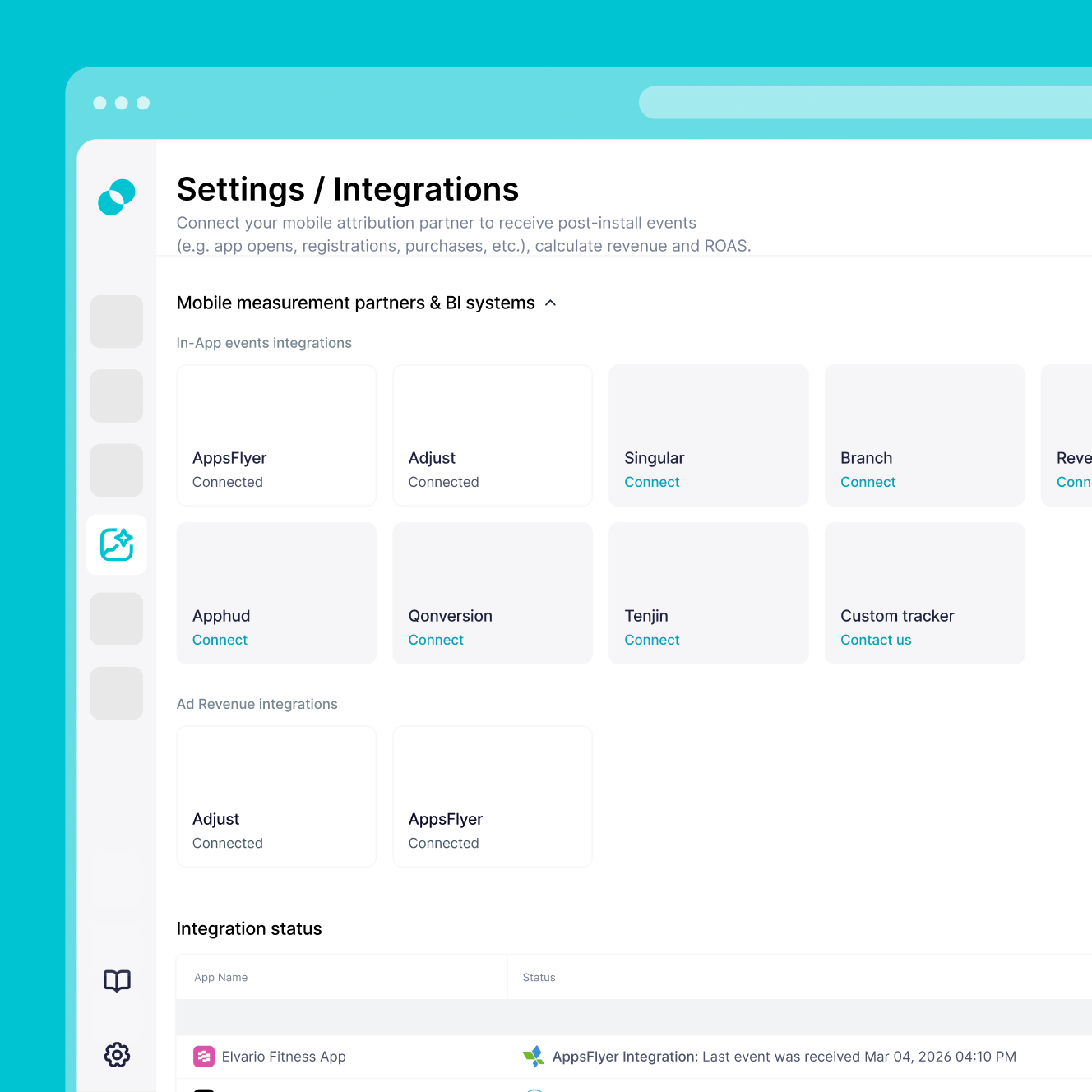
Log in to Branch and go to Configure > Data Feeds > Data Integrations. Search for SplitMetrics Acquire and enter your Client ID to activate the connection. Available only to Branch users with Data Feeds enabled.
02

Start sending postback data automatically

Branch automatically sends Apple Ads-attributed postback data to SplitMetrics, including installs, reinstalls, commerce events, and custom lifecycle events. As your mobile measurement partner, Branch handles the data flow without manual exports.

03

Turn full-funnel data into optimization

Create Custom Conversions in SplitMetrics Acquire that match your Branch event names. Optionally integrate up to 12 months of historical data so AI Bid Optimization can scale based on deep-funnel revenue from day one.

Why Branch integration

You'll have immediate access to:

Attribution combined with deep linking

Branch is a mobile measurement partner (MMP) that connects pre-install intent with post-install behavior, showing not just which channel drove a user, but where they landed inside the app.

Signals across the full user journey

Track install attribution, deep link routing, web-to-app journeys, commerce events, reinstalls, lifecycle events, and downstream behavior like purchases and subscriptions.

Full-funnel optimization without tool fragmentation

Branch unifies linking, attribution, and measurement in one platform, so you can optimize campaigns based on revenue and real outcomes instead of install volume alone.

Built for mobile-first businesses

Branch is especially valuable for subscription apps, fintech, e-commerce, marketplaces, and on-demand services, where moving users from web or ads into the app is critical to conversion.

What you need to connect Branch

Getting started

What you need to connect Branch

Set up a secure data connection through Branch Data Feeds with the requirements below. The setup is marketer-led and requires no extra coding once your Branch SDK is live.

Active Apple Ads account with at least one active or paused campaign to start receiving attributed postback data.

Branch Data Feeds enabled in your account – this integration is available only to Branch users with the Data Feeds solution activated.

SplitMetrics Client ID from your Acquire dashboard, used to authenticate the connection in Branch.

Defined event strategy for the Branch events you want to track (installs, reinstalls, commerce events, custom lifecycle events) so you can optimize at the keyword level.

Custom Conversion alignment – after enabling the integration in Branch, create matching Custom Conversions in SplitMetrics to see the data and act on it.

Frequently
asked questions

Do I need Branch to use SplitMetrics Acquire?
No, you don't. You can use SplitMetrics Acquire with native Apple Ads data alone. But for deeper optimization with commerce events, reinstalls, and custom events tracked at the keyword level, connecting a mobile measurement partner (MMP) like Branch is strongly recommended.
Do I need a specific Branch plan for this integration?
Yes, you do. This integration is available only to Branch users with Data Feeds activated. If that feature isn't enabled in your account, you'll need to turn it on in Branch before connecting SplitMetrics.
How do I activate the SplitMetrics Acquire integration in Branch?
Log in to Branch and go to Configure > Data Feeds > Data Integrations. Search for SplitMetrics Acquire, enter your Client ID, and click Enable.
Which events does the Branch-SplitMetrics integration support?
The integration supports Installs, Reinstalls, Content Events, User Lifecycle Events, Custom Events, Open Events, and Commerce Events.
How do I update existing Branch integration settings or macros?
Go to Ads > Partner Management, select SplitMetrics Acquire, back up your enabled events, reset all settings, temporarily disable the partner, then re-enable it and add your postbacks again.
Why don’t I see my Branch events in the SplitMetrics dashboard?
After the technical setup in Branch, you also need to create Custom Conversions in SplitMetrics Acquire for the events you want to track. You can find unmapped events under Settings > Integrations in the Integrations popup.
Does this integration support reinstall tracking?
Yes, it does. Branch supports reinstall tracking, so you can optimize Apple Ads for new users, re-engagement, and returning user value.
Can I import historical Branch performance data?
Yes, you can. Share up to 12 months of historical Branch data with our team. That gives AI the performance baseline it needs to optimize with seasonality and LTV context from day one.