
G2 rating 4.9

Qonversion and SplitMetrics integration

See the full subscriber journey in one place, from trials and renewals to refunds. Optimize Apple Ads around real-time revenue, whether you track gross sales or net proceeds.

Qonversion and SplitMetrics integration

Connect Apple Ads keywords to the full subscription lifecycle with Qonversion.

Sync trials, renewals, and refunds to automate bidding around precise gross revenue or net proceeds. Put more budget behind the search terms that bring in high-LTV subscribers.

How it works

A direct path to subscription lifecycle data

01

Connect Qonversion to SplitMetrics Acquire

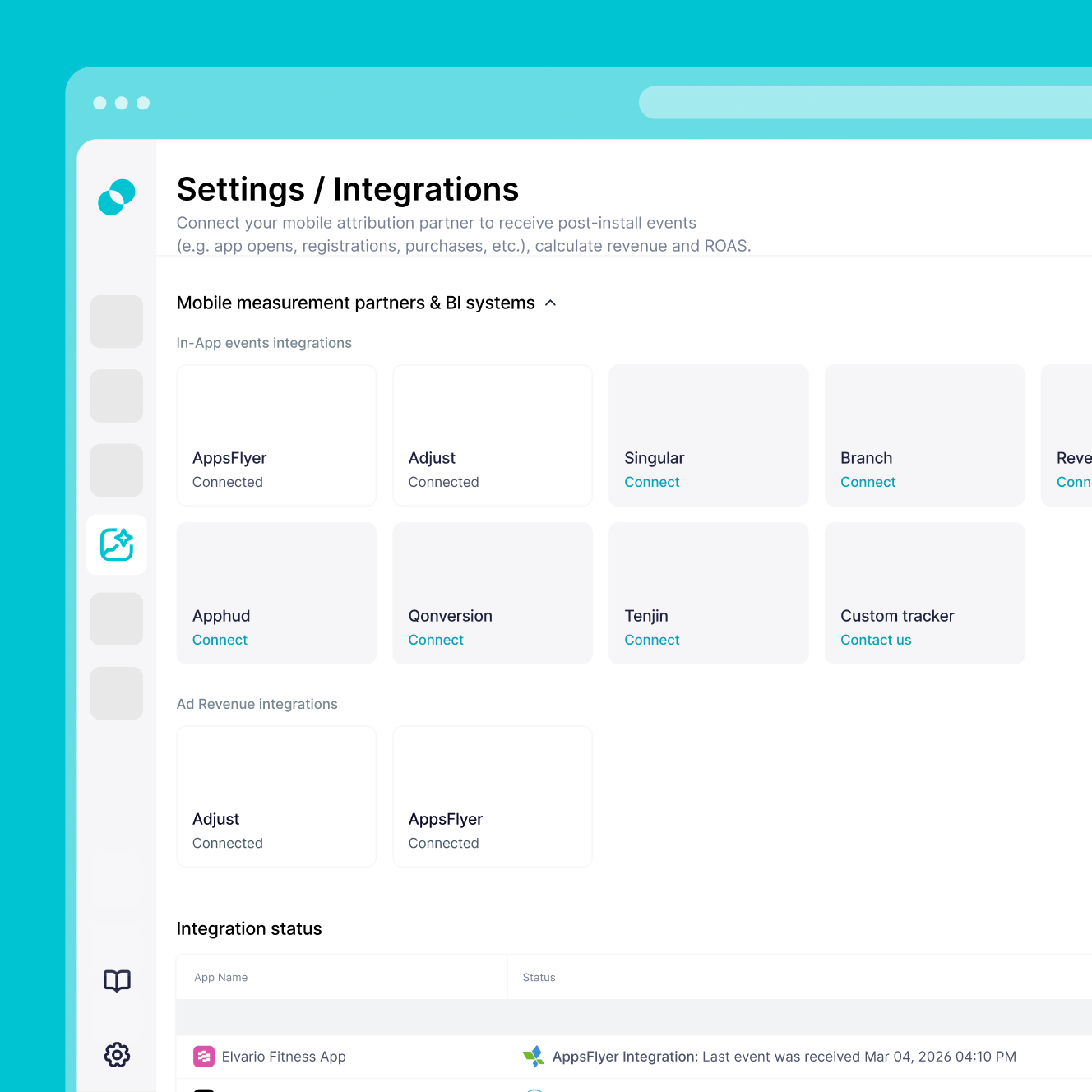
Log in to Qonversion and go to the iOS App Integrations tab. Select SplitMetrics Acquire, then enter your Client ID and App ID. Once your Qonversion SDK is active, the setup is marketer-led and requires no coding.
02

Set your revenue and event preferences

Choose whether revenue is sent as gross sales or net proceeds after the App Store commission. Then enable the lifecycle events you want to track (trials, renewals, refunds), and the data flows from your mobile measurement partner into SplitMetrics so ROAS reporting matches your business model.

03

Start optimizing with Custom Conversions

Create Custom Conversions in SplitMetrics Acquire that match your Qonversion event names. Optionally integrate up to 12 months of historical data so AI Bid Optimization can scale based on subscription value from day one.

Why Qonversion integration

You'll have immediate access to:

Subscription lifecycle data tied directly to your keywords

As a subscription-focused mobile measurement partner (MMP), Qonversion sends 16 subscription events to SplitMetrics, from Trial Started through Renewal, Cancellation, Refund, and Upgrade, so subscriber revenue ties back to specific keywords.

Revenue signals at every level of granularity

Track trial-to-paid conversion rates, subscriber LTV by acquisition channel, and gross vs. net proceeds per keyword to see which campaigns drive long-term value.

Optimize acquisition and monetization in parallel

Qonversion's built-in A/B testing and CRM let teams test pricing, offers, and paywall flows while SplitMetrics optimizes Apple Ads spend, so both sides of the funnel improve at the same time.

Built for verticals where trial conversion is everything

Qonversion delivers the most value for health & fitness, productivity, education, entertainment, lifestyle, and finance apps, where trial-to-paid conversion by campaign decides profitability.

What you need to connect Qonversion

Getting started

What you need to connect Qonversion

Set up a secure connection between Qonversion and SplitMetrics with the requirements below. The setup is marketer-led and built around high-value subscription events.

Active Apple Ads account with at least one active or paused campaign, so post-install events can be mapped back to your search terms.

Verified Apple Ads connection in Qonversion – Apple Ads must already be configured in Qonversion, with attributed events visible in your dashboard.

SplitMetrics Client ID and App ID from your Acquire dashboard, used to authenticate the integration in Qonversion.

Defined revenue preference – choose whether to report gross revenue or net proceeds after the App Store’s 15-30% commission, so ROAS calculations match your business model.

Event-to-conversion mapping – identify the subscription events you want to track (trials, renewals). Event names must match the Custom Conversions you create in SplitMetrics.

Frequently
asked questions

Do I need Qonversion to use SplitMetrics Acquire?
No, you don't. You can use SplitMetrics Acquire with native Apple Ads data alone. But for subscription apps, connecting a mobile measurement partner (MMP) like Qonversion is strongly recommended for deeper lifecycle visibility with trials, renewals, and refunds tracked at the keyword level.
Will connecting SplitMetrics disrupt my current Qonversion setup?
No, it won't. The integration uses a secure data connection that runs passively in the background. Make sure Apple Ads is set up in Qonversion and attributed events are visible in your dashboard before connecting SplitMetrics.
How do I activate the SplitMetrics Acquire integration in Qonversion?
Log in to Qonversion, go to the iOS App Integrations tab, and select SplitMetrics Acquire. Enter your SplitMetrics Client ID and App ID to connect the two platforms.
Does Qonversion send install postbacks to SplitMetrics?
No, it doesn't. The integration only sends in-app events such as purchases and renewals. Install postbacks are not supported.
Can I choose between tracking gross revenue and net profit?
Yes, you can. In Qonversion's global event preferences, send revenue as gross sales or as proceeds after the App Store commission. The setting applies by default across events, and can be customized at the individual event level.
Why don’t I see my Qonversion events in the SplitMetrics dashboard?
Once the integration is live, you also need to create Custom Conversions in SplitMetrics Acquire for the events you enabled in Qonversion. Event names must match exactly between the two platforms for the data to show up.
Can I test the integration with sandbox events?
Yes, you can. In the integration settings, enable Send Sandbox Events in Qonversion to verify event data during testing.
Can I import historical performance data?
Yes, you can. Share up to 12 months of historical data exported from Qonversion with our integration team. That gives AI Bid Optimization the subscription and LTV context it needs from day one.