






01
Connect Apphud to SplitMetrics
Log in to Apphud and go to Integrations > iOS. Search for SplitMetrics Acquire, add the integration, and enter your unique Client ID. Once your Apphud SDK is live, the setup is marketer-led and requires no new code.

Learn

Apple Ads keyword management: How to discover, organize, and optimize keywords at scale

Black Friday Playbook on Apple Ads Strategy: Defend Your Brand & Capture Demand
Technology
Growth Services
Our AI & Data
 4.9
4.9
Turn keyword insights into subscription growth with real-time Apphud events synced directly to your dashboard, from trial starts to renewals and reinstalls. Optimize Apple Ads for actual profitability by tracking gross revenue or net proceeds with precision.
Connect Apphud to SplitMetrics and tie Apple Ads spend to subscription lifetime value.
Sync trial starts, renewals, and reinstalls to see which keywords drive recurring revenue. Switch between gross sales and net proceeds so bids match your margins.
How it works
Why App Hud integration
As a subscription-focused mobile measurement partner (MMP), Apphud unifies subscription data across App Store, Google Play, and web, with renewals and refunds processed automatically.
Track trial starts, trial-to-paid conversion, renewal rates, LTV by keyword, and paywall performance for Apple Ads traffic.
Run paywall A/B tests and iterate on pricing without app updates. Subscription events flow to Apple Ads, Google Ads, Meta, and TikTok in parallel.
Apphud serves AI apps, Health & Fitness, Productivity, Photo & Video, Education, and Streaming, where trial conversion and LTV by keyword decide profitability.
Getting started
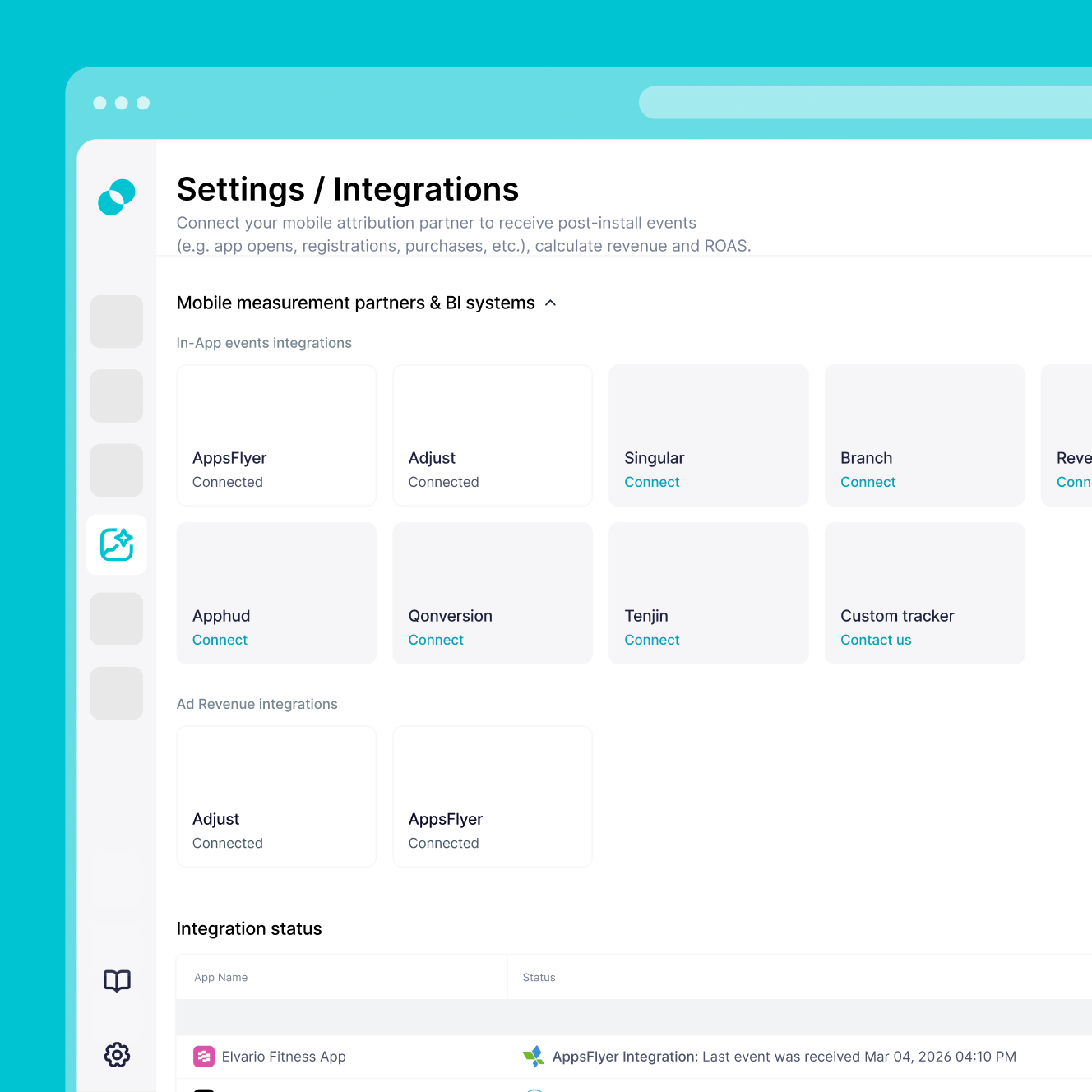
Set up a secure connection between Apphud and SplitMetrics with the requirements below. The setup is marketer-led and captures the full subscription funnel.
Verified Apple Ads connection in Apphud – Apple Ads must already be configured in Apphud with attributed events visible in your dashboard.
SplitMetrics Client ID – your unique Client ID from the SplitMetrics Acquire dashboard, used to authenticate the integration in Apphud.
Defined event mapping – decide which subscription events you want to track (Trials, Regular, Promo) along with funnel events like user_created for installs and app_reinstalled for reinstalls.
Revenue reporting preference – choose whether to report gross revenue or net proceeds so your SplitMetrics ROAS calculations match your business model.
Custom Conversion setup – after saving the connection in Apphud, create matching Custom Conversions in SplitMetrics Acquire to visualize and optimize against the data.