Custom product page testing at scale: introducing a Switch method for CPP Experiments
 Liz Skrobat
 Liz Skrobat

Custom product pages are one of the most effective ways to lift performance on Apple Ads campaigns, and the numbers back it up. According to SplitMetrics’ internal benchmarks, ad variations built on custom product pages deliver an average 9% higher tap-through rate than a standard product page, climbing as high as 27% in search results campaigns. Some categories see even more: Graphics & Design apps see a 39% lift, Lifestyle 36%, Sports 32%.
That upside carries downstream, too: BetterSleep grew ROAS by 40.5% after adopting CPP Experiments in SplitMetrics Acquire, well beyond what that initial tap-through lift alone would suggest.
Getting there takes a real test, not a hunch. And testing custom product pages well has always meant more coordination than it looks like from the outside.
To compare two custom product pages properly, each one needs its own space to run in: its own copy of the ad group, with the same keywords, bids and targeting, so the page is the only thing that’s different between them. Multiply that across a few markets or campaigns, and a single test can mean rebuilding the same structure by hand several times over, then manually rolling the winner out everywhere it needs to go once the test is done.
But the bigger issue is a blind spot: most setups show which page won on taps or installs and stop there. What that page actually costs to acquire a trial or a paying subscriber stays invisible, even though that’s the number that actually matters. A page can win on tap-through rate and still cost more to turn a tap into a trial or a paying subscriber, and most testing setups never surface that gap. A strong first impression and strong economics are two separate things to prove.
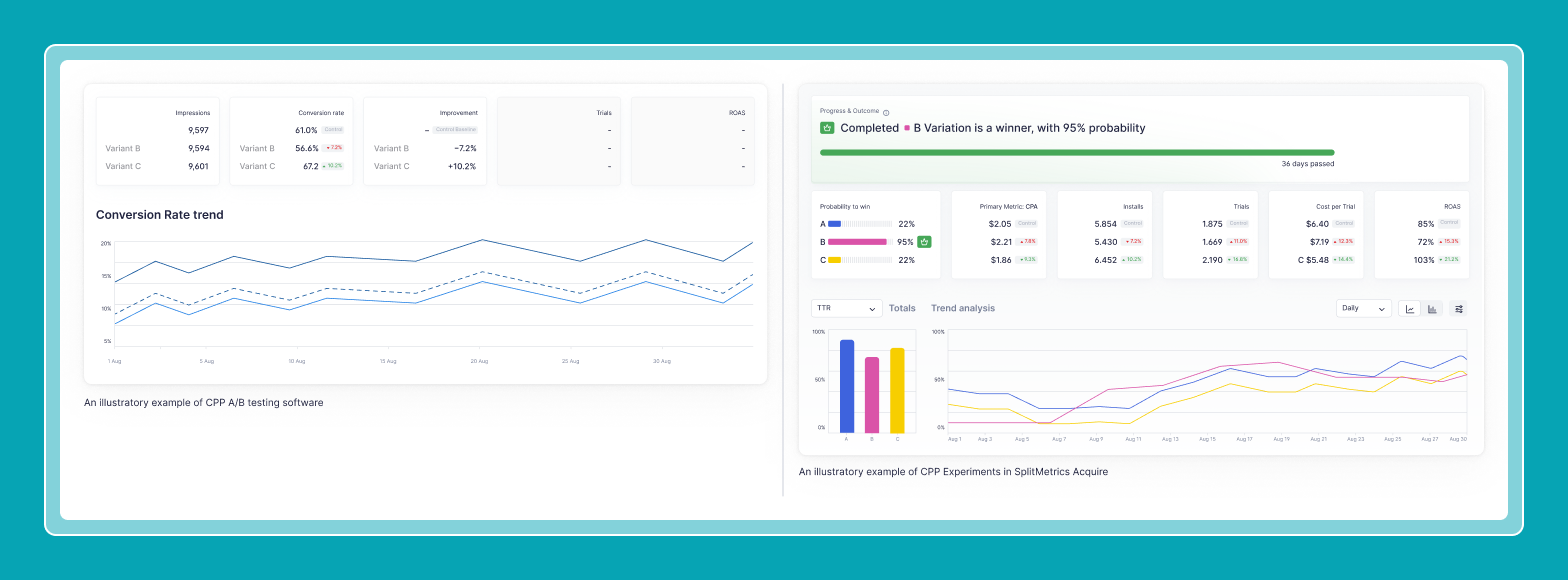
That’s the gap SplitMetrics Acquire is built to close, end to end.
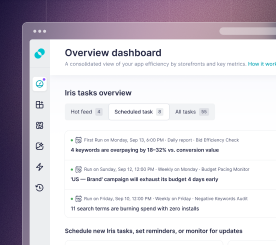
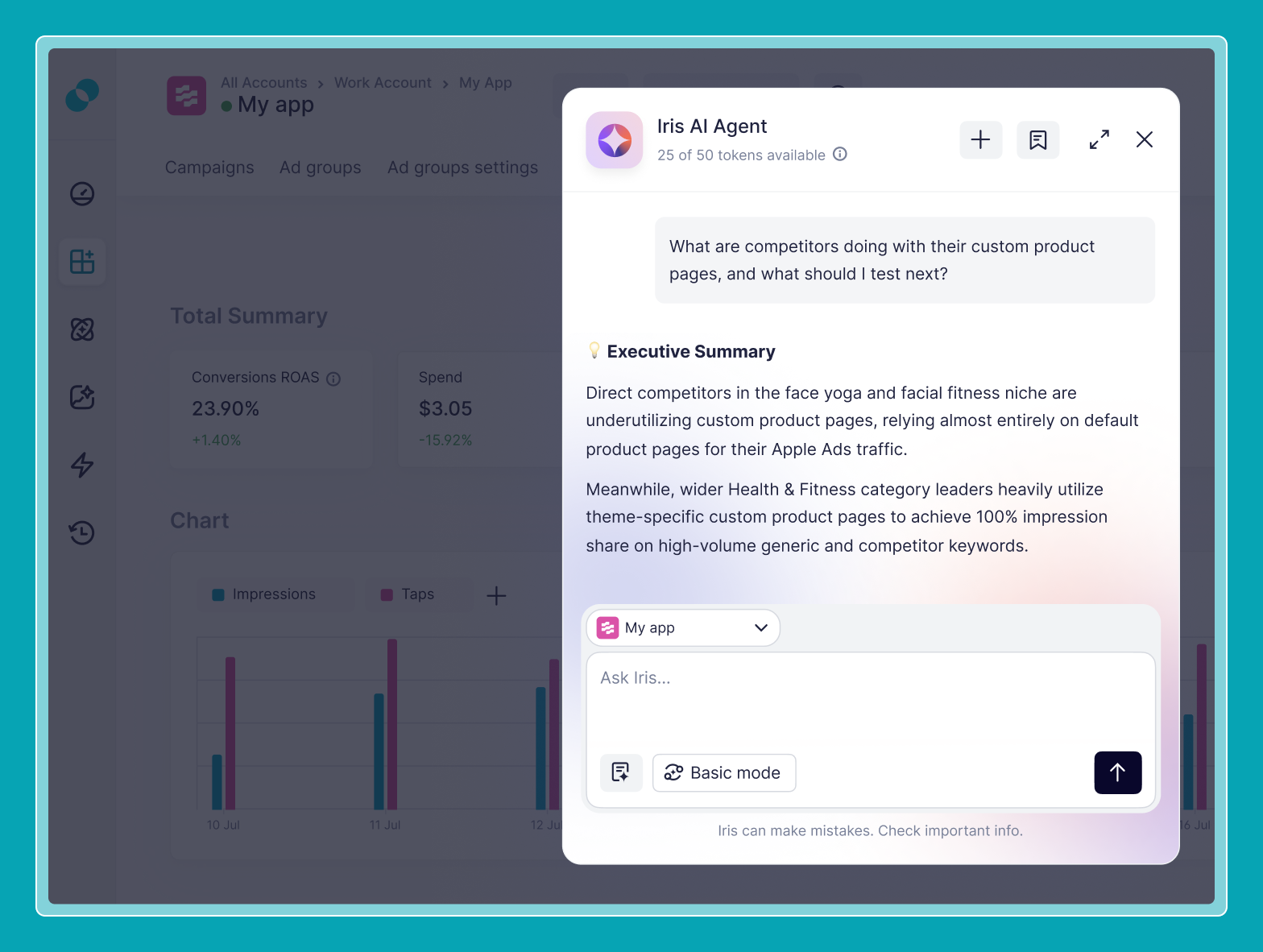
It begins before the test starts. Iris, an AI assistant inside SplitMetrics Acquire, researches your campaign performance and competitor signals, and suggests what’s worth testing next. Alongside it, CPP Intelligence — a tool for researching what competitors are running — shows which custom product pages are active in a given category, which ones are pulling the most impression share, and which keywords they’re tied to. Between the two, a new test starts already informed by what’s happening in the market.
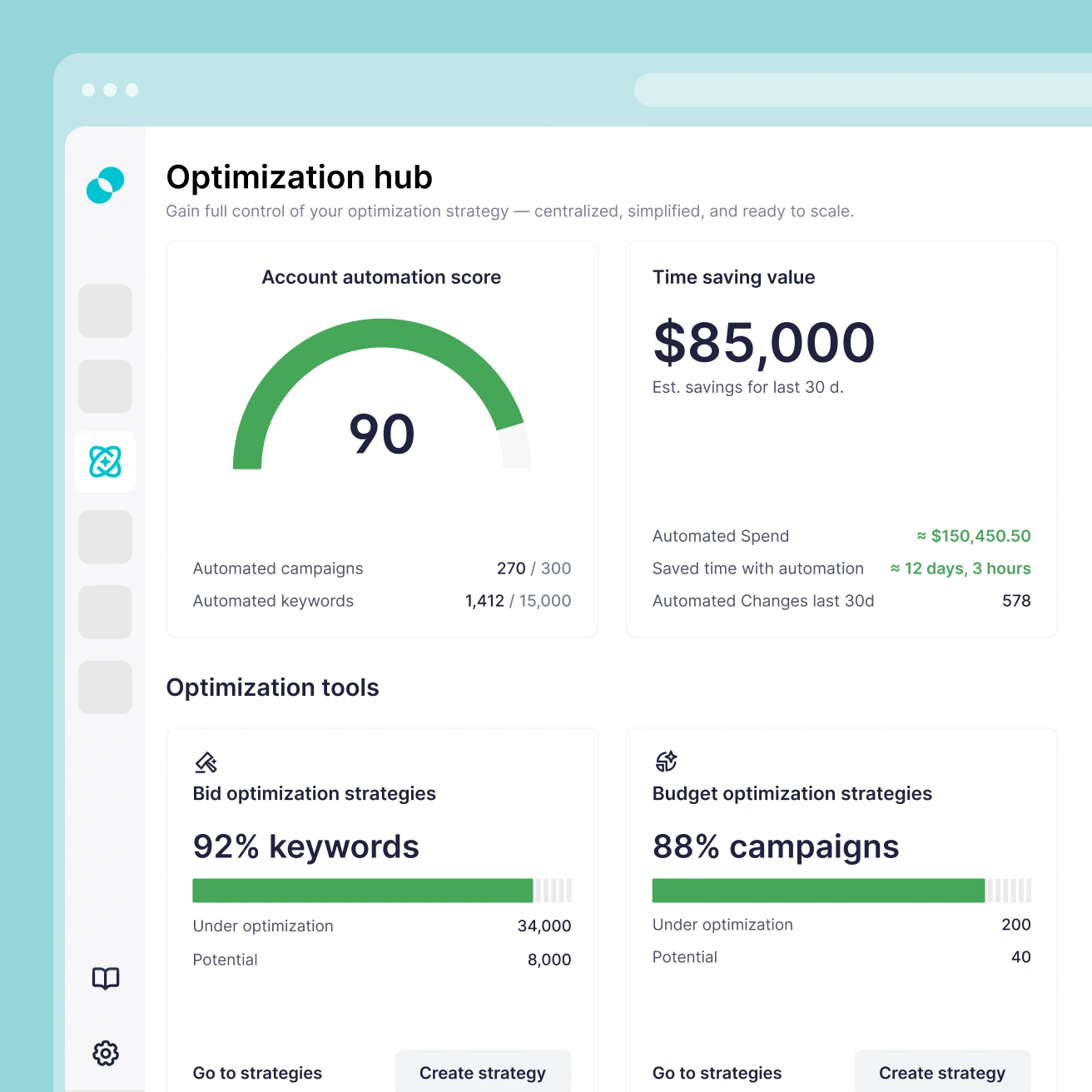
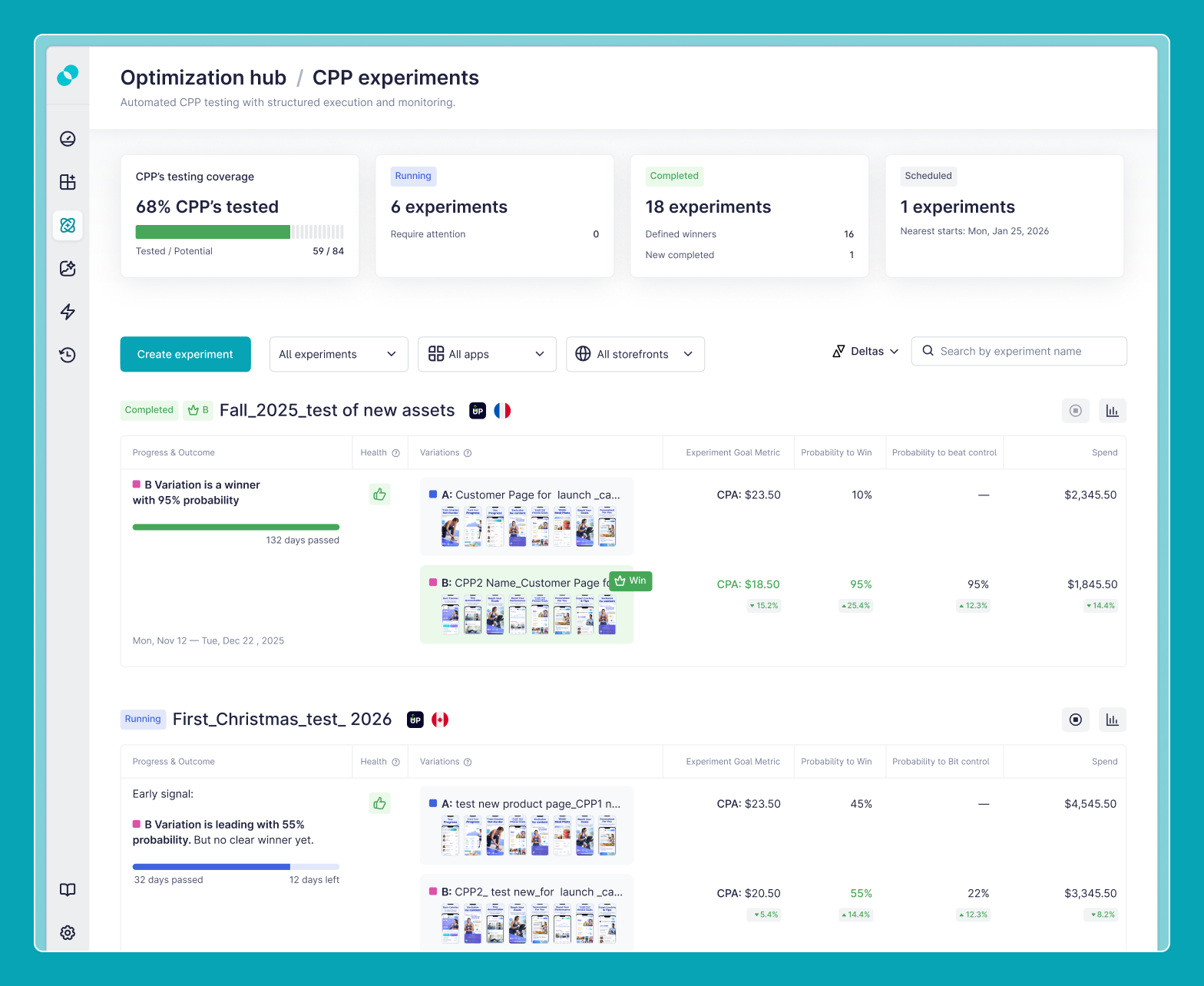
Once there’s a real hypothesis, the CPP Experiments hub handles the structure: a dedicated workspace inside SplitMetrics Acquire for running tests on custom product pages, up to four variations at once, with a model that updates a winning probability daily and shows full-funnel results, including post-install metrics like cost-per-trial, ROAS and revenue, instead of leaving someone to eyeball a spreadsheet at the end.
This is where the Switch method comes in — our newest way to run the test itself. Instead of duplicating an ad group for every variation, Switch rotates which custom product page shows within a single ad group, daily or weekly: same ad group, same auction history, same keyword set, with only the page changing. While the test runs, automations like smart bidding are deliberately paused for that one ad group, so bid and budget changes don’t get in the way of a clean read on which page is actually winning.
Switch is a new option alongside SplitMetrics Acquire’s existing Dayparting and Parallel methods, for teams who’d rather keep a test contained to one ad group than manage parallel copies. It supports up to four variations, with a recommended minimum run of 14 days, plus roughly a week for each additional page in the test.
Once a test calls a winner, applying it to every other ad group where it belongs is a single bulk action inside SplitMetrics Acquire: a page is assigned everywhere it needs to run with a couple of clicks, without rebuilding anything by hand.
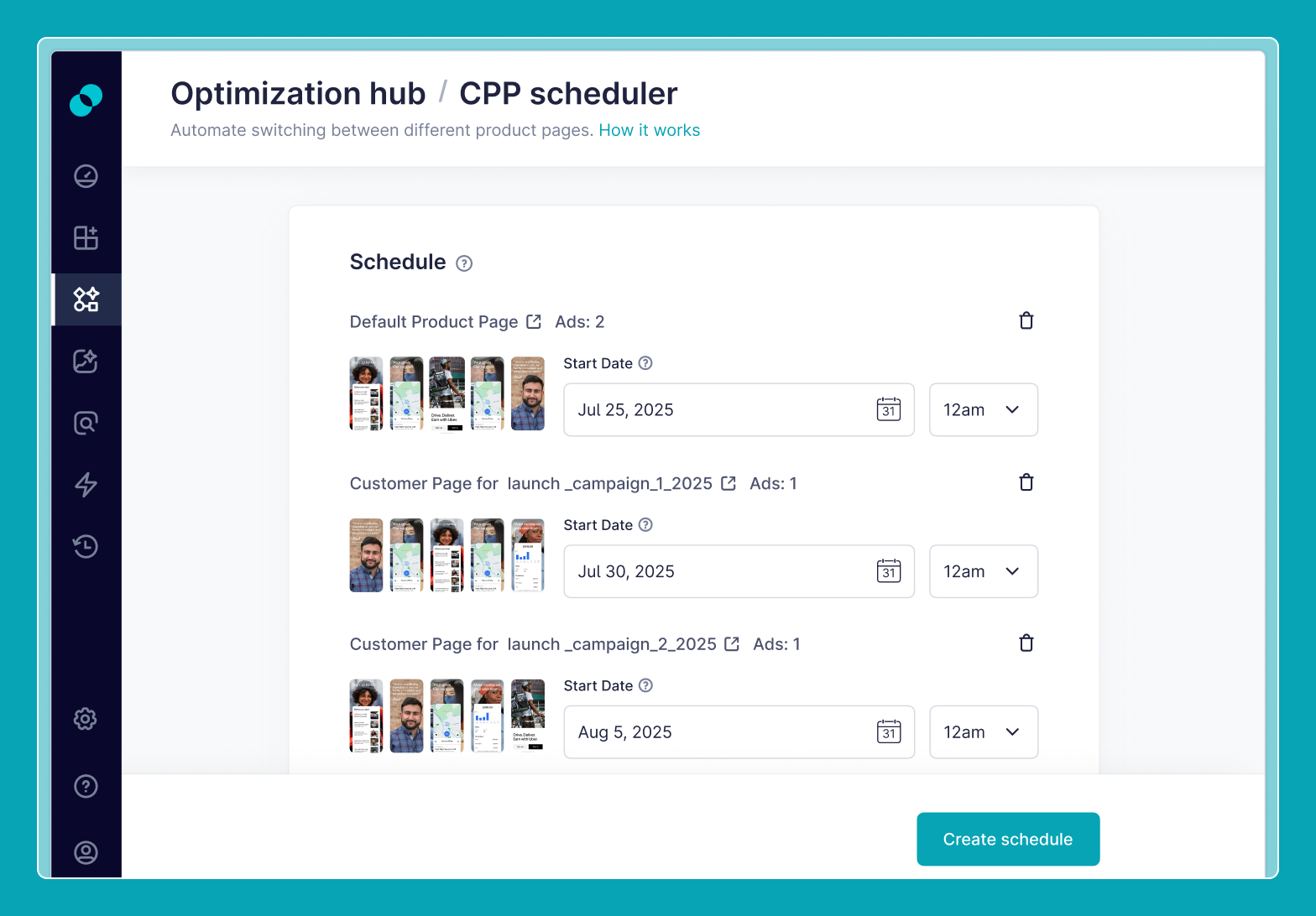
For custom product pages tied to a specific window — a seasonal push, a promotion, a launch — CPP Scheduler handles the timing side separately: pre-planning when a page goes live and rotating it out again automatically on schedule.
Put together, that’s what custom product page testing looks like in SplitMetrics Acquire now: an idea worth testing, a read on the competitive landscape, a clean way to run the test and a quick bulk rollout.
The part that matters most, though, is what the test is judged on: trial starts, cost per purchase, ROAS — the numbers that actually reflect revenue. That’s what allowed BetterSleep to find a custom product page that brought a 40.5% uplift in ROAS — a number that only becomes visible once a test can see past the install into what actually happens next.
If you’re already running custom product page campaigns in SplitMetrics Acquire, it’s worth trying on your next test. If you haven’t started with SplitMetrics Acquire yet, book a demo to see the full workflow, from Iris to CPP Scheduler, in action.